
Technical SEO is the plumbing behind your website it determines how pages connect, how fast they load, and whether search engines can actually find and understand what you’ve built. It’s easy to overlook because it doesn’t feel as visible as writing a blog post or earning a backlink, but it’s also foundational: brilliant content sitting on a slow, poorly structured, or unindexable site simply won’t rank, no matter how well it’s written.
Unlike on-page or off-page SEO, technical issues often go unnoticed for months, quietly capping a site’s performance without any obvious symptom beyond flat or declining traffic. A site with genuinely useful content, solid backlinks, and a team doing everything right on paper can still see rankings that won’t budge and more often than not, the actual culprit turns out to be technical. This guide walks through the core technical SEO fundamentals a beginner needs to get right, in the rough order they’re worth tackling.
What you’ll learn:
- Step 1: Make your site crawlable
- Step 2: Speed up your pages
- Step 3: Optimize for mobile
- Step 4: Submit a clean sitemap
- Step 5: Secure and audit your site
- Common beginner mistakes
- FAQs
- Conclusion
Step 1: Make Your Site Crawlable
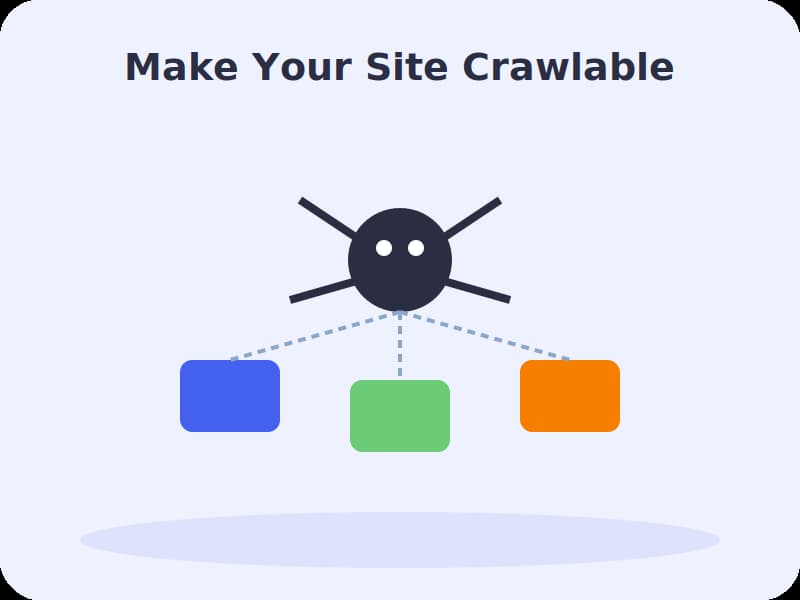
Before Google can rank a page, it has to find and understand it. Crawlability refers to whether search engine bots can actually access and read your pages. A few fundamentals to check:
- Robots.txt — this file controls which parts of your site search engines can access. A small mistake here, like accidentally blocking your whole site, can quietly remove you from search results entirely.
- Internal links — use real, crawlable links between pages rather than JavaScript-only “load more” buttons that bots can’t follow.
- HTTP status codes — live pages should return a clean 200, permanently moved pages should use a 301 redirect, and missing pages should return a genuine 404 rather than a “soft 404” that confuses crawlers.
- Redirect chains — long chains of redirects waste crawl budget and slow down both bots and real visitors; update internal links to point directly at final URLs.
A routine site update that accidentally adds a “noindex” tag to important pages can make your traffic disappear overnight. Whenever you make structural or template changes to your site, it’s worth double-checking that key pages are still indexable afterward.
Step 2: Speed Up Your Pages

Page speed is a confirmed ranking factor, measured through a set of metrics called Core Web Vitals Largest Contentful Paint (how fast the main content loads), Interaction to Next Paint (how quickly the page responds to input), and Cumulative Layout Shift (how much the layout jumps around while loading). A few practical ways to improve speed on WordPress:
- Choose a lightweight, well-coded theme instead of a heavy, feature-bloated one
- Compress images before uploading, and delay loading images below the fold
- Use a caching plugin to serve pages faster on repeat visits
- Reduce unnecessary plugins, scripts, and third-party embeds that slow down rendering
Test your key pages regularly with tools like Google PageSpeed Insights or the Core Web Vitals report inside Google Search Console — both flag specific, actionable issues rather than just a generic score.
Speed improvements tend to compound. A faster-loading page keeps visitors around longer, which improves engagement signals; it also lets search engines crawl more of your site within the same crawl budget, since less time is spent waiting on slow responses. That combination is why speed fixes often produce ranking improvements that feel disproportionate to how small the technical change actually was.
Step 3: Optimize for Mobile

Google uses mobile-first indexing, meaning it primarily evaluates the mobile version of your site — not the desktop version — for ranking purposes, even for searches performed on a desktop. With more than half of web traffic coming from mobile devices, a site that looks or performs poorly on a phone is a real ranking liability, not just a minor UX issue.
- Confirm your theme is fully responsive across screen sizes, not just resized
- Keep font sizes readable and buttons easy to tap without zooming
- Test mobile page speed separately from desktop — mobile connections are typically slower
- Check the Mobile Usability report in Google Search Console for flagged issues on specific pages
Step 4: Submit a Clean Sitemap
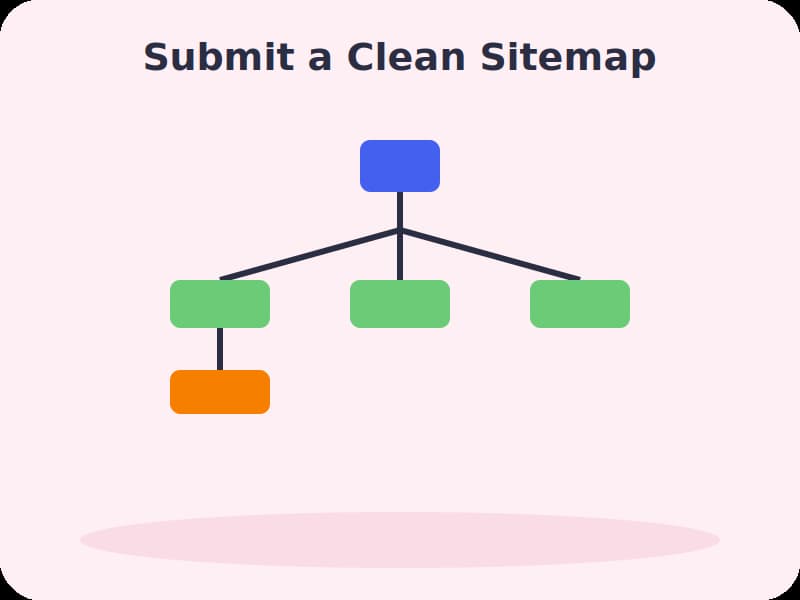
An XML sitemap is a file listing the URLs on your site you want search engines to crawl and index. It’s worth noting a sitemap is an invitation, not an instruction submitting a URL doesn’t guarantee it gets indexed, but it does make discovery far more efficient.
| File | What it does |
| XML sitemap | Lists the pages you want crawled and indexed — generated automatically by plugins like Yoast SEO or Rank Math |
| Robots.txt | Controls which parts of the site crawlers can and can’t access |
| Canonical tags | Tell search engines which version of a page is the “real” one when duplicate or similar content exists |
Keep your sitemap clean excluding low-value, duplicate, or noindexed pages helps search engines focus their limited crawl budget on the pages that actually matter to you.
Step 5: Secure and Audit Your Site

HTTPS has been a baseline expectation for years now, not a differentiator sites still running on plain HTTP face both a ranking disadvantage and a “Not Secure” warning that erodes visitor trust. Beyond security, a regular technical audit keeps small issues from quietly compounding:
- Check the Coverage/Indexing report and Core Web Vitals report in Google Search Console
- Crawl your site with a tool like Screaming Frog to catch broken links, redirect chains, and missing meta tags
- Verify HTTPS is applied sitewide with no mixed-content warnings
- Confirm your robots.txt and sitemap are current and don’t conflict with each other
Run through this kind of audit at least quarterly technical issues tend to accumulate quietly through routine updates and plugin changes, and catching them early is far easier than untangling them months later.
It’s also worth checking server log files occasionally if your platform makes them accessible. They reveal exactly how search engine crawlers actually behave on your site which pages get visited often, which get ignored, and where crawl budget might be getting wasted on low-value pages. This is a more advanced step, but it’s often where the most surprising technical issues surface, since it shows what’s really happening rather than what a checklist assumes.
Watch: Full Video Walkthroughs
Common Beginner Mistakes to Avoid
- Accidentally blocking crawlers. A misconfigured robots.txt file or a stray “noindex” tag can silently remove pages from search results.
- Ignoring mobile performance. Since Google evaluates the mobile version of your site first, a slow or broken mobile experience caps your entire site’s ranking potential.
- Letting redirect chains build up. Multiple redirects stacked on top of each other waste crawl budget and slow down every visitor.
- Forgetting to update the sitemap. An outdated sitemap can point search engines toward pages that no longer exist, or miss new ones entirely.
- Treating technical SEO as a one-time task. Sites change constantly through updates and plugins — without regular audits, small issues quietly pile up.
Frequently Asked Questions
Q: How often should I run a technical SEO audit?
A: At least quarterly for most sites, though larger or frequently updated sites benefit from checking more often.
Q: Do I need to be a developer to handle technical SEO on WordPress?
A: No. Plugins like Yoast SEO and Rank Math handle sitemap generation and many technical basics automatically, though some issues, like deep speed optimization, may benefit from developer help.
Q: Is HTTPS really necessary for a small blog?
A: Yes. It’s been a confirmed ranking signal for years and is now a baseline expectation — most hosting providers and platforms offer free SSL certificates, so there’s little reason to skip it.
Q: What’s the difference between crawling and indexing?
A: Crawling is search engines discovering a page exists. Indexing is adding that page to their searchable database. A page can be crawled but still excluded from the index if it has quality or technical issues.
Q: How do I know if my site has technical SEO problems?
A: Google Search Console is the best free starting point — its Coverage, Core Web Vitals, and Mobile Usability reports flag most common issues directly.
Conclusion
Technical SEO isn’t the most exciting part of running a website, but it’s the foundation everything else depends on — content, backlinks, and keyword targeting all lose their impact on a site search engines can’t properly crawl, render, or load quickly. Start with the basics covered here — crawlability, speed, mobile-friendliness, a clean sitemap, and security — and revisit them regularly. A technically sound site gives every other SEO effort a much higher ceiling to work with.