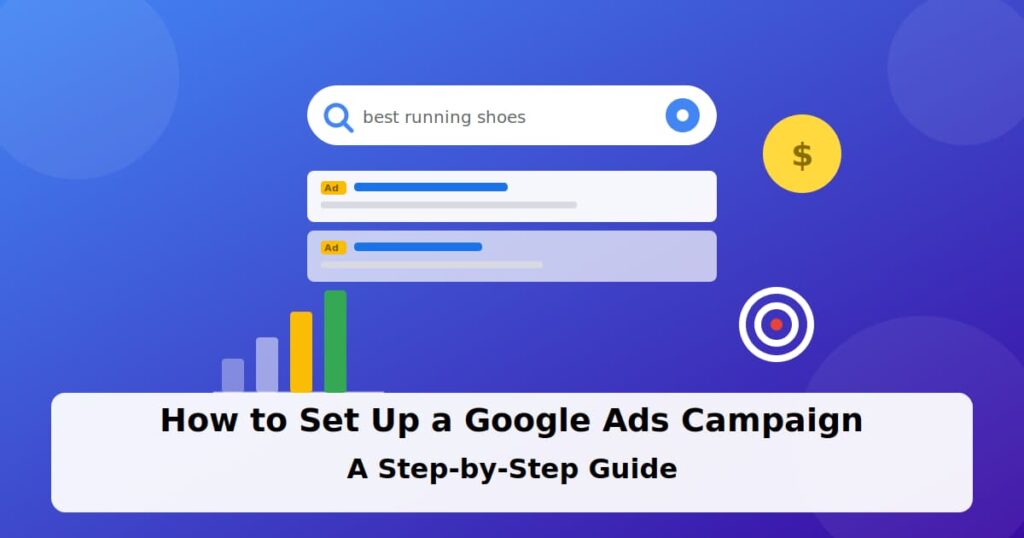

If you’ve ever searched for something on Google and clicked one of the top results marked “Sponsored,” you’ve interacted with a Google Ads campaign. Google Ads lets you put your business in front of people who are actively searching for what you offer not people who just happen to be scrolling, but people typing in the exact words that describe what they need right now. That’s what makes it different from most other advertising: intent is already built in before your ad even shows up.
That said, the setup screen can feel overwhelming the first time you see it. Between campaign objectives, keyword match types, bidding strategies, and conversion tracking, it’s easy to get a setting wrong without realizing it — and a wrong setting can quietly burn through your budget with nothing to show for it. This guide breaks the whole process down into clear, beginner-friendly steps, covering not just how to launch your first campaign but how to read the results afterward and avoid the mistakes that trip up most first-time advertisers.
What you’ll learn:
- Step 1: Set your campaign goal
- Step 2: Choose your campaign type
- Step 3: Do your keyword research
- Step 4: Set your budget and bidding strategy
- Step 5: Write your ads and launch
- Ad extensions worth adding
- Testing and optimizing after launch
- Common beginner mistakes
- FAQs
- Conclusion
Step 1: Set Your Campaign Goal
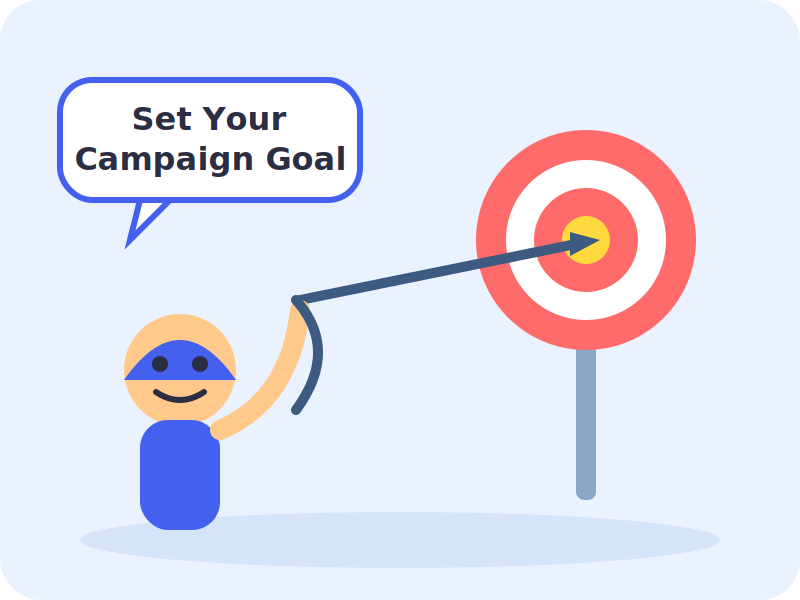
Before touching any settings, decide what you actually want the campaign to achieve. Google Ads asks you to pick an objective right at the start, and this choice shapes everything downstream the campaign type it recommends, the bidding options available, and how success gets measured.
- Sales drive purchases on your website, app, or over the phone
- Leads collect form fills, calls, or bookings
- Website traffic get more qualified visitors to your site
- Awareness get your brand in front of a broad audience
Most small businesses running their first campaign should choose Leads or Sales these tie directly to revenue and are easiest to measure.
Step 2: Choose Your Campaign Type
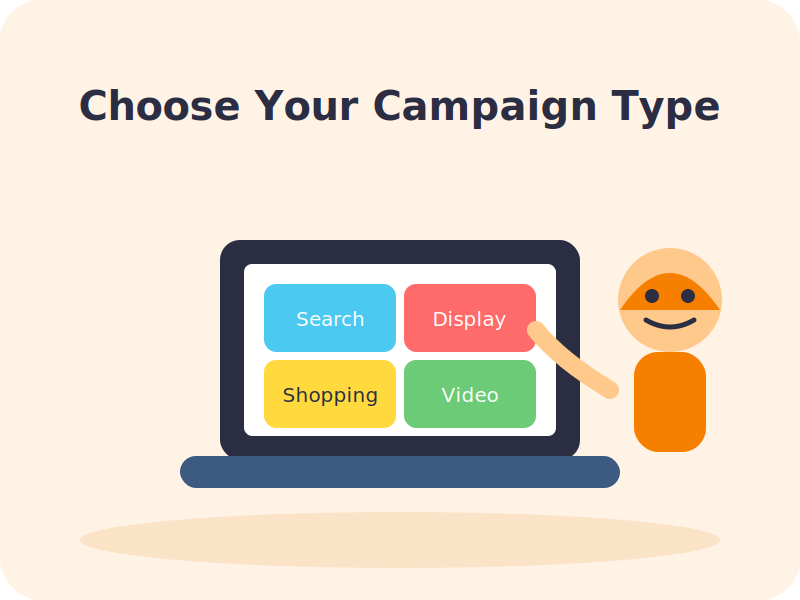
Google Ads offers several campaign types, and each serves a different purpose:
- Search text ads that appear in Google search results for chosen keywords. Best for high-intent traffic.
- Display visual banner ads shown across websites in Google’s network. Good for awareness and retargeting.
- Shopping product listings with images and prices, ideal for ecommerce.
- Video ads that run on YouTube.
- Performance Max a single campaign that runs across Search, Display, YouTube, and more using automated bidding and creative.
For a first campaign, a Search campaign is usually the safest starting point it targets people already looking for what you sell, and it’s the easiest type to understand and optimize.
Step 3: Do Your Keyword Research
Keywords are the search terms that trigger your ad to appear. Good keyword research keeps your budget focused on people who are genuinely likely to convert.
- Use Google’s free Keyword Planner to find search volume and suggested bids for terms related to your business.
- Group keywords into tightly themed ad groups (for example, one ad group per product or service).
- Aim for 5–15 closely related keywords per ad group don’t throw everything into one bucket.
- Add negative keywords (terms you don’t want to show for) to avoid wasting spend on irrelevant clicks.
- Use a mix of match types phrase match and exact match give you more control than broad match when you’re just starting out.
It helps to think about keywords in terms of buyer intent, not just topic relevance. Someone searching “what is CRM software” is still researching, while someone searching “buy CRM software for small business” is much closer to a decision. Weighting your budget toward the second type of search even if the search volume is lower tends to produce a better return than chasing broad, high-volume terms that attract a lot of browsers but few buyers.
Step 4: Set Your Budget and Bidding Strategy
Your daily budget is a soft average, not a hard daily cap Google can spend up to roughly double your daily budget on a strong day, then even things out over the month. A simple way to estimate your monthly spend is:
Monthly budget ≈ Daily budget × 30.4
For bidding, if you’re new and don’t yet have conversion data, start simple:
- Manual CPC or Maximize Clicks good for gathering initial data
- Maximize Conversions once you have some conversion history
- Target CPA / Target ROAS best saved for later, once you have steady conversion volume (roughly 15+ conversions per week)
Step 5: Write Your Ads, Set Up Conversion Tracking, and Launch
With your structure in place, it’s time to bring the campaign to life:
- Write Responsive Search A provide multiple headlines and descriptions; Google tests combinations automatically to find what performs best.
- Set up conversion tracking before you launch, not after. Decide what counts as a conversion (form submission, call, purchase) and connect it in Google Ads under Goals → Conversions.
- Set location and language targeting to match where you can actually serve customers.
- Add your billing details. You won’t be charged until your ads start running.
- Review everything, then submit. New campaigns are typically reviewed within 24 hours.
Watch: Full Video Walkthroughs
Ad Extensions Worth Adding
Ad extensions (now called “assets” in Google’s newer interface) add extra information to your text ad extra links, phone numbers, or location details at no additional cost per click. They also tend to improve your ad’s click-through rate simply by making it bigger and more useful on the results page. A few worth setting up from day one:
| Extension | What it does |
| Sitelinks | Adds extra clickable links below your main ad, pointing to specific pages like pricing or contact |
| Call extensions | Displays your phone number, or lets mobile users tap to call directly |
| Location extensions | Shows your business address — useful for local, storefront-based businesses |
| Callout extensions | Short highlights like “Free Shipping” or “24/7 Support” shown as extra text |
| Structured snippets | Lists specific details, like service types or product categories, under a category header |
Add as many relevant extensions as apply to your business there’s no downside to including more, since Google only shows the ones it predicts will help a given search.
Testing and Optimizing After Launch
Publishing your campaign is the starting point, not the finish line. Right after launch, Google Ads goes through a short learning period where it gathers data on which keywords, ads, and audiences perform best. Resist the urge to make constant changes during this window frequent edits reset the learning process and make it harder to get a clear read on performance.
Once you have a week or two of data, these are the numbers worth reviewing:
- Click-through rate (CTR) a low CTR usually points to weak ad copy or a keyword-to-ad mismatch, not a budget issue.
- Quality Score Google’s 1–10 rating of your keyword, ad, and landing page relevance. A higher Quality Score can lower your cost per click for the same ad position.
- Cost per conversion what you’re actually paying for each sale, lead, or call, not just each click.
- Search terms report the actual phrases people typed before your ad showed. This is where you’ll spot new negative keywords to add, and new keyword ideas to test.
When testing something new a different headline, a new landing page, an adjusted bid strategy change one variable at a time. Adjusting keywords, budget, and ad copy all in the same week makes it impossible to know what actually moved the needle.
Common Beginner Mistakes to Avoid
- Judging performance too early. A campaign needs time to exit its learning phase before the numbers mean much give it at least a week or two.
- Using only broad match keywords. Broad match can bring in a wide range of irrelevant searches if it’s not paired with strong negative keywords and enough conversion data to guide it.
- Skipping conversion tracking. Without it, you’re optimizing based on clicks alone, which don’t tell you whether anyone actually became a customer.
- Sending all traffic to your homepage. A dedicated landing page that matches the ad’s message almost always converts better than a generic homepage.
- Mixing unrelated keywords in one ad group. This makes it hard to write ad copy that feels relevant to every search, which drags down Quality Score and click-through rate.
Frequently Asked Questions
Q: How much does it cost to run a Google Ads campaign?
A: There’s no fixed minimum you set your own daily budget. Many small businesses start with $10–$30 per day and adjust based on results. Actual cost per click varies widely by industry and competition.
Q: How long does it take to see results?
A: Ads can start showing within a day of approval, but it usually takes 1–2 weeks of data before you can judge performance reliably, since Google’s algorithms need time to learn from clicks and conversions.
Q: Do I need a website to run Google Ads?
A: For most campaign types, yes you need a landing page to send traffic to. Call-only ads are an exception if your goal is phone calls rather than a website visit.
Q: What’s the difference between Google Ads and SEO?
A: Google Ads gives you paid, immediate placement in search results that stops as soon as you stop paying. SEO is the unpaid, organic ranking process that takes longer to build but keeps working without ongoing ad spend.
Q: Should I use Smart Campaigns or Expert Mode?
A: Smart/guided setup is faster but gives you less control. If you want to manage keywords, negative keywords, and bidding closely, switch to Expert Mode during setup.
Conclusion
Setting up a Google Ads campaign isn’t complicated once you break it into steps: define your goal, pick the right campaign type, research your keywords, set a sensible budget, and track your conversions from day one. Start small, watch the data closely for the first couple of weeks, and refine your keywords and bids as real performance numbers come in. Your first campaign doesn’t need to be perfect it just needs to be measurable, so you can improve it.